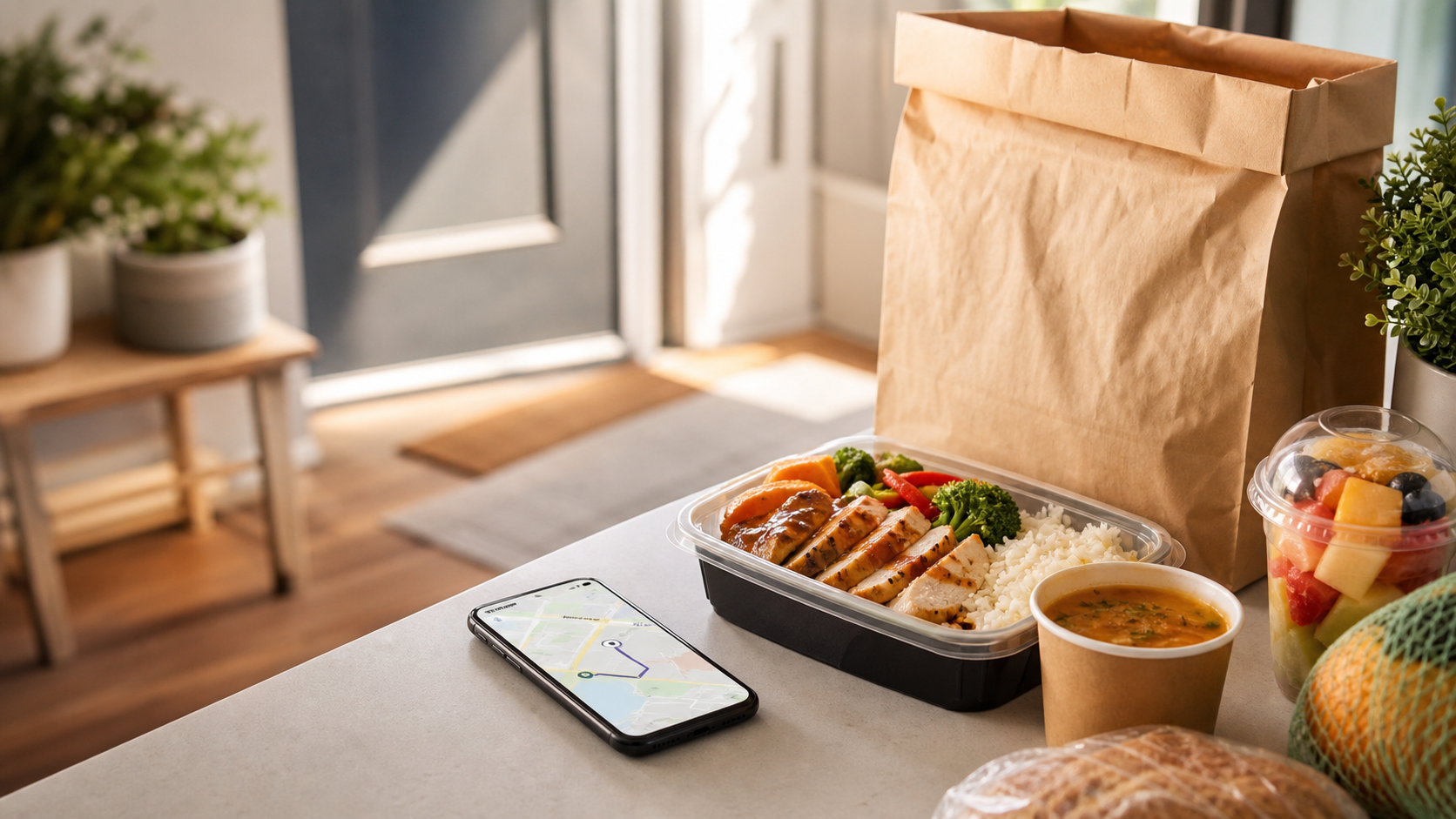
Getting a meal delivered used to mean calling one restaurant at a time and hoping it was close enough to bring food to you. DoorDash is a delivery app that brings many local places together in one spot, so you can browse restaurants and stores near you, place an order, and have it carried to your door. Below is a plain look at the features that make it useful for everyday meals and errands.
When you open the app and enter your address, each listing is built to help you decide quickly. These are the details you can weigh before you order:
- Menu Prices See item prices and any fees before you check out.
- Store Ratings Read scores and reviews from other customers.
- Delivery Time Check the estimated wait before you place an order.
- Distance See which places are close enough to deliver to you.
- Categories Filter by food type, grocery, or convenience stores.
Compare restaurants, grocery options, delivery times, fees, and ratings before ordering.
1. Many Places in One App
A single search on DoorDash shows a range of nearby options, from local restaurants and national chains to grocery, convenience, and some retail stores. Because the results sit together, you can compare what is available without calling around or checking each place on its own. This makes it easier to find something that fits what you want to eat and how long you are willing to wait.
2. Filters and Search That Narrow the List
A busy area can show a long list of places, so DoorDash lets you filter down to what matters to you. You can search for a specific dish or restaurant, browse by category such as pizza or breakfast, and sort by rating, delivery time, or distance. Many listings also mark options like offers or lower delivery fees, which helps you spot a good match faster.
Delivery orders can include a delivery fee, a service fee, and a tip, so review the full total at checkout rather than the menu price alone.
3. Real-Time Order Tracking
After you place an order, DoorDash shows its progress in the app, from the store preparing your food to the driver picking it up and heading your way. You can see the driver on a map and an updated estimate for when the order will arrive. Knowing where your order is takes some of the guesswork out of waiting, which is helpful when you are on a schedule or expecting people.

-
Restaurant Meals
Order from local spots and chains for lunch or dinner.
-
Grocery Runs
Get everyday groceries delivered without a store trip.
-
Quick Essentials
Pick up convenience items when a store run is not easy.
Pick delivery, pickup, or a scheduled order depending on your day and budget.
4. Delivery, Pickup, and Scheduling
DoorDash gives you a few ways to get your order. You can have it delivered, or choose pickup and collect it yourself, which usually skips the delivery fee. You can also schedule an order ahead of time for a later slot, which is useful when you want lunch ready at a set hour or want to plan dinner before a busy evening. Contactless delivery, where the driver leaves the order at your door, is available as well.
Delivery instructions, such as a gate code or where to leave the bag, help your order reach the right spot, especially at apartments or busy addresses.
5. Ways to Save on Delivery
DoorDash has a few ways to lower the cost of an order. It offers a paid membership called DashPass that provides reduced service fees and lower or no delivery fees on eligible orders from participating stores, which can add up if you order often. The app also shows promotions and offers from some restaurants, and choosing pickup instead of delivery avoids the delivery fee. It is worth comparing the full total, including fees and tip, before deciding how to order.
6. Final Thoughts
DoorDash is useful because it puts nearby restaurants and stores, prices, ratings, and live tracking in one app and makes an order easy to place. It will not replace cooking or a store trip every time, but as a delivery tool it can save time on the days you need it. If you want a meal or a few groceries brought to your door, it is a practical place to start.